
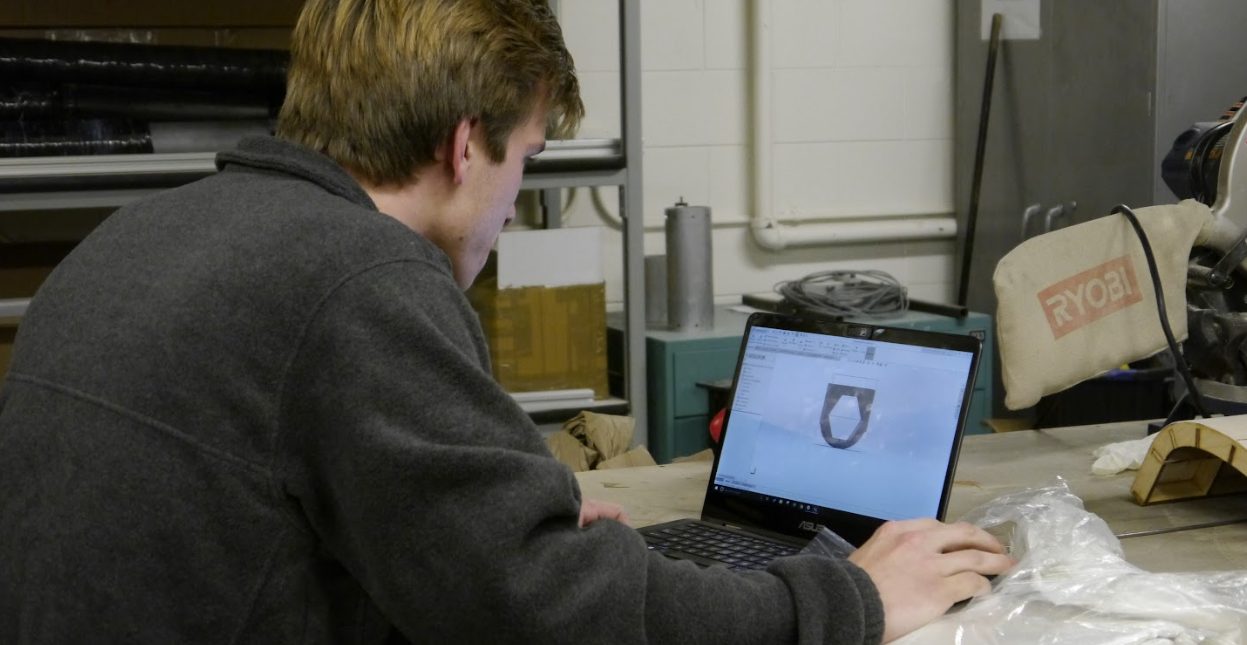
Everything you need to start contributing
The software we use, the shop trainings to get out of the way early, and the places the team talks and stores its work.
Four tools cover almost everything
Install these in your first week. Each one is free to CU students, and the tutorials linked below are the ones our leads recommend.
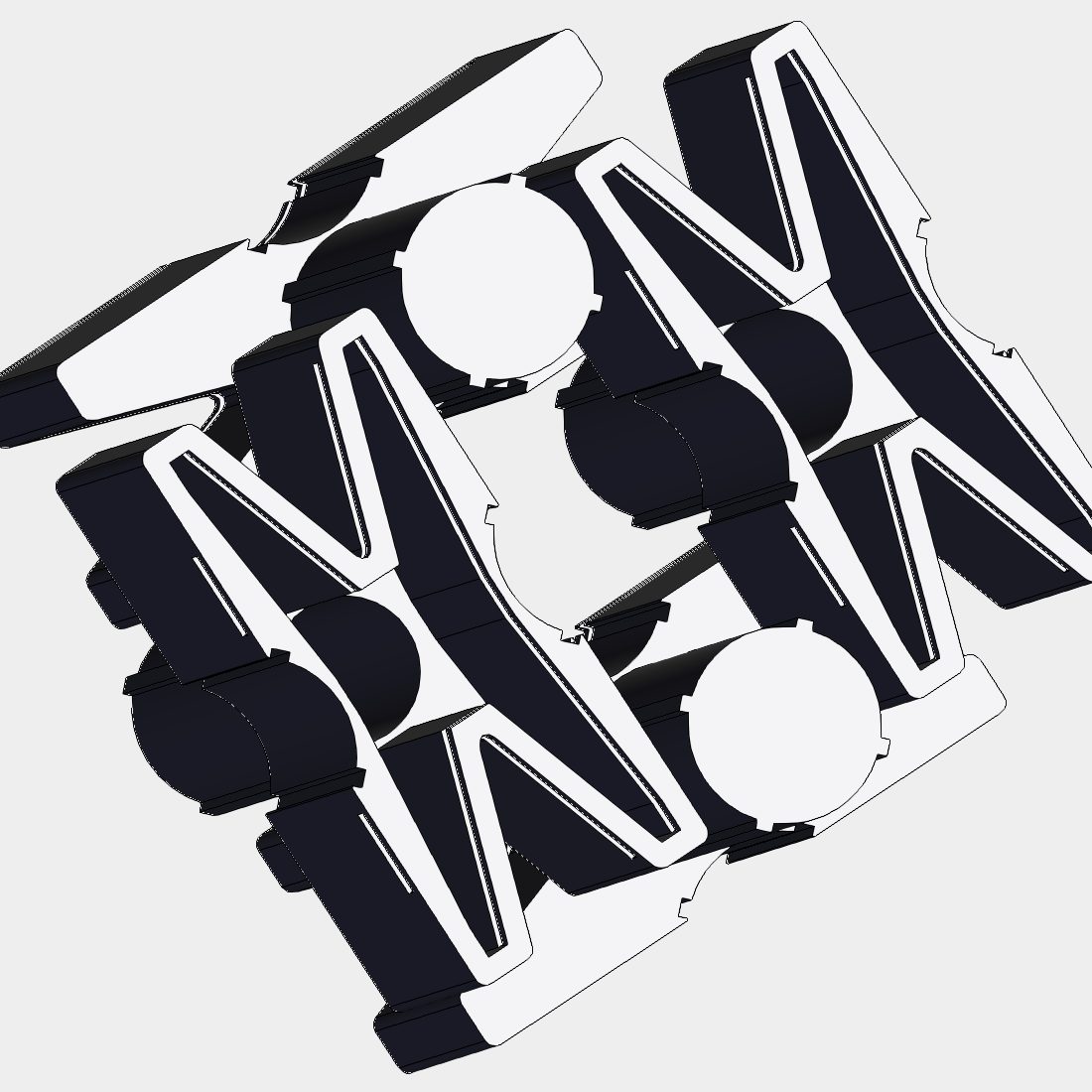
Fusion 360
Almost all of our modelling is done here, especially the mass components and moving parts. Free for students through the ITLL.
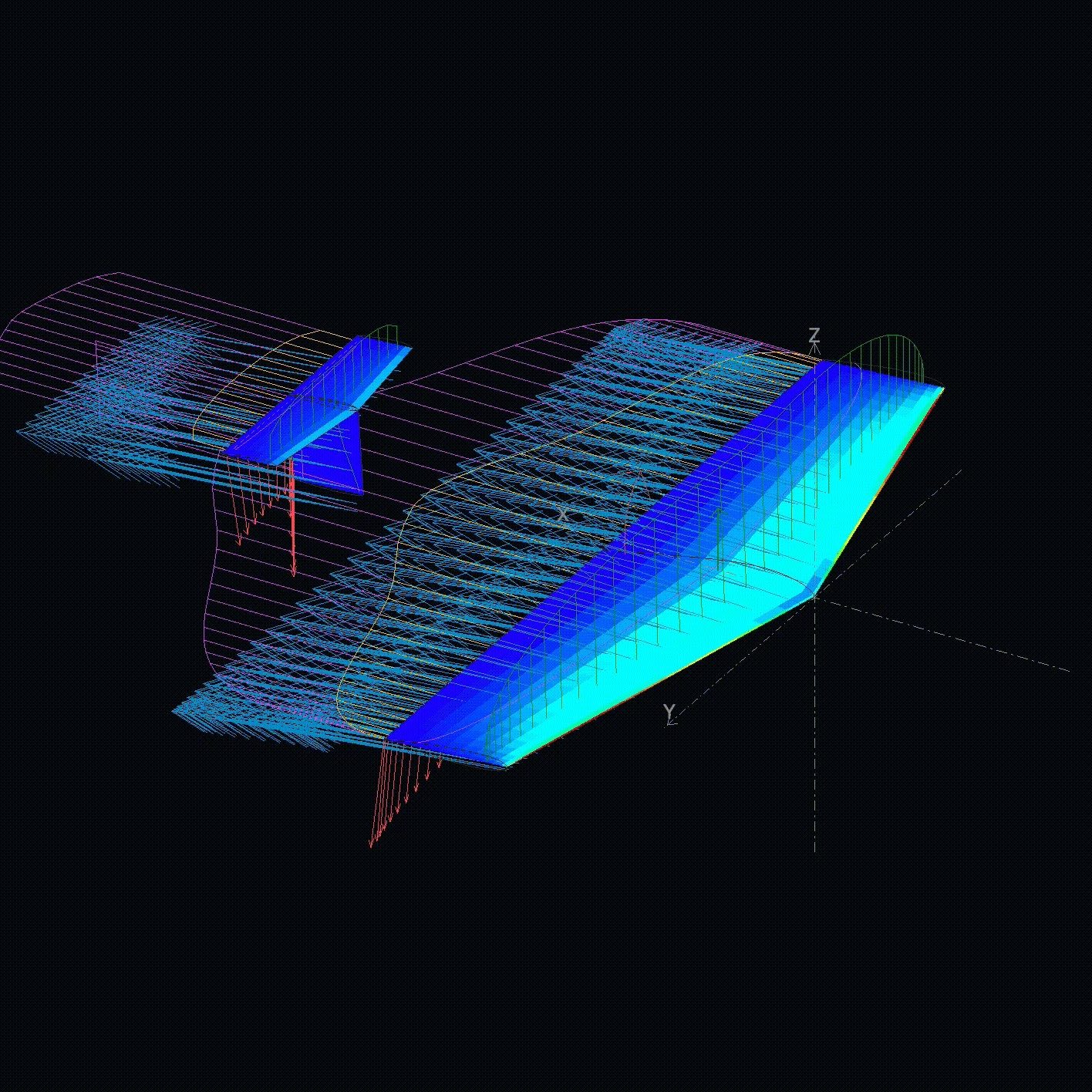
XFLR5
Handles the aerodynamics: airfoil selection, drag polars, aerodynamic surface design and stability simulation. Free and open source.
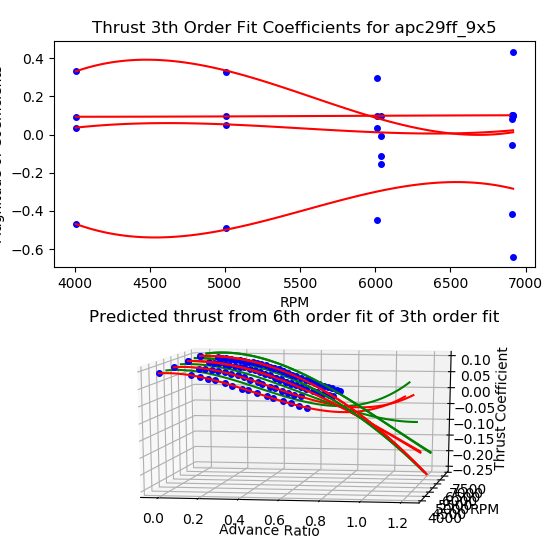
MATLAB
Where XFLR5 and Fusion data come together to simulate missions, run sensitivity analyses and make the plots that go in the report. Free through CU OIT.
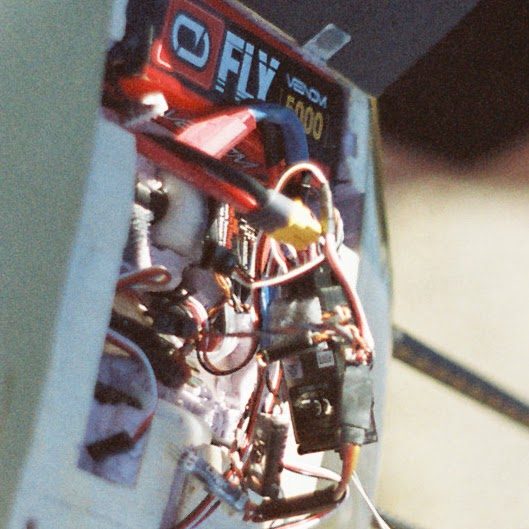
Arduino
Microcontroller programming for the mission-specific moving electrical parts and flight-test instrumentation.
Get your trainings done early
The ITLL and the Aerospace building run short trainings for each of these. If you are missing any, getting them out of the way is the fastest route to being useful on build days.
- 3D printing · FDM printers in the ITLL for brackets, mounts and mission hardware.
- Laser cutting · Ribs, spars and formers straight from the CAD flat pattern.
- Machine shop · Mill, lathe and hand tools for metal fittings and moulds.
- Soldering · Harnesses, connectors and boards for the avionics stack.
- Basic electronics · Enough to read a schematic, meter a circuit and not let the smoke out.
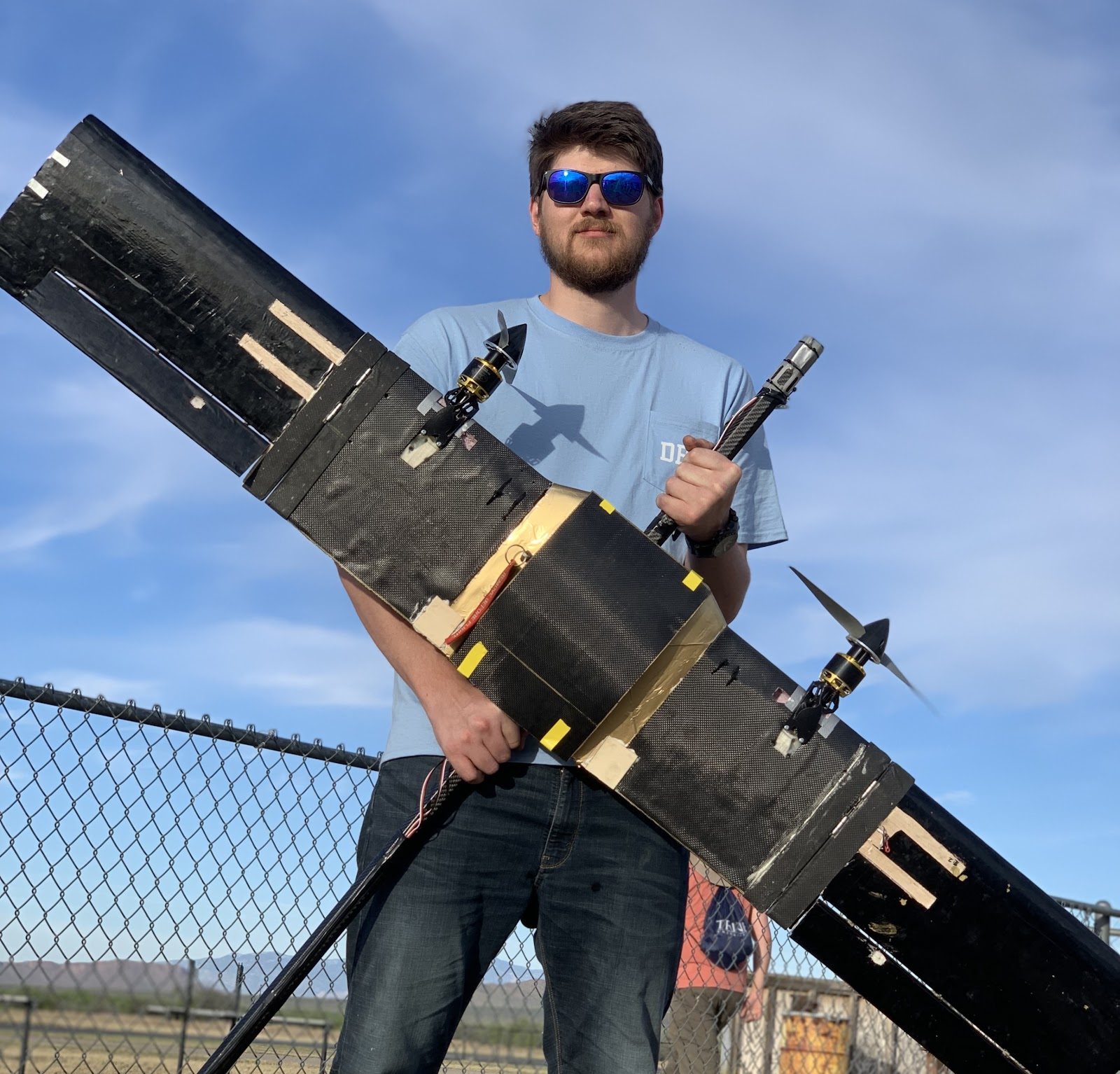 Laser-cut wing
Where the team lives online
Microsoft Teams
Team communication and file storage. Join the channels of the subteams you are interested in and add the DBF folder to your OneDrive.
Open TeamsOverleaf
Proposal and design report drafting in LaTeX, with the whole team editing the same document.
Open OverleafGitHub
Code management and version control for avionics firmware, MATLAB analysis and this website.
Open GitHubStuck on something?
Ask in the subteam channel on Teams, or grab a lead at the next full team meeting. Nobody expects you to know it all on day one.